Critical Power Point Template: Transform Your Presentations Today
Every presenter knows the sinking feeling of watching an audience disengage from a slide deck that feels generic, cluttered, or visually uninspired. In the world of business and creative pitches, your visual aid is often the silent partner that sells your story. This is where the Critical Power Point Template enters the conversation, offering a comprehensive toolkit designed to turn static data into dynamic, persuasive narratives.
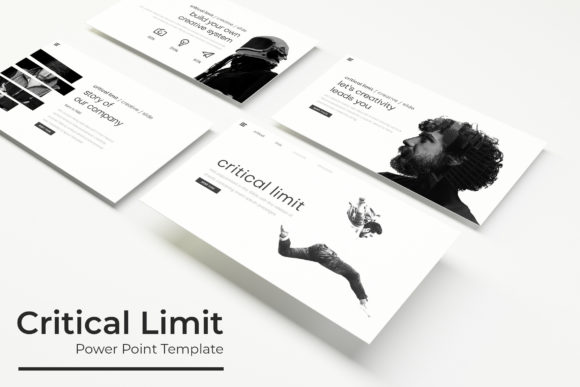
When you are building a brand identity or pitching a complex idea, consistency is key. You need a design asset that functions as reliably as a premium typeface does in logo design. This template collection is structured to provide that reliability. With over 150 total slides, you aren’t just getting a single layout; you are gaining access to a flexible system. The package includes five premade color schemes, ensuring that whether you are aiming for a corporate, minimalist aesthetic or a vibrant, creative mood, the foundation is already set for you.
Design Flexibility and Pixel-Perfect Illustrations
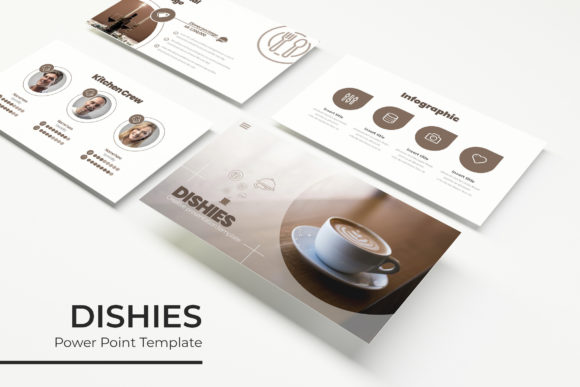
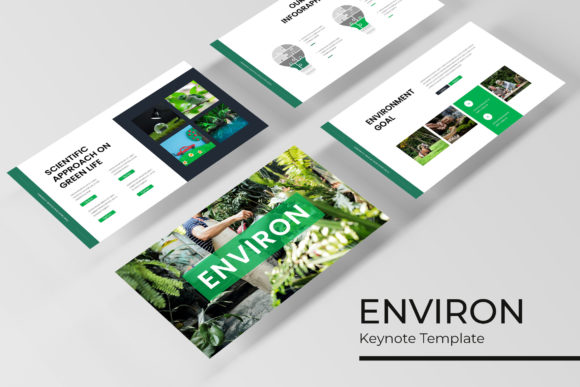
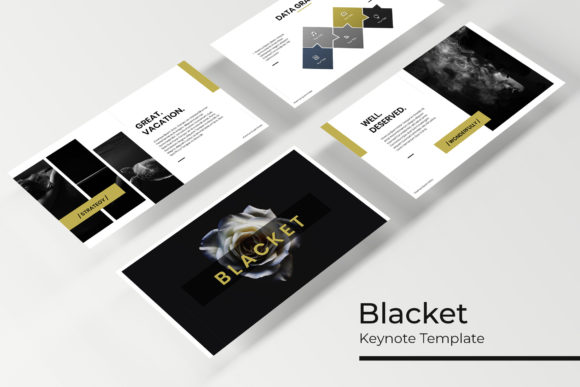
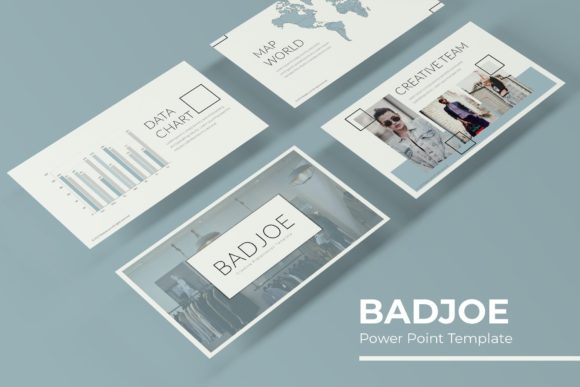
One of the standout features of this collection is the attention to detail in the visuals. We often talk about "pixel-perfect" in web design, but it is just as vital in presentations. The Critical Power Point Template features handcrafted infographics that allow you to display data without the clutter. Instead of forcing numbers into a standard bar chart, you can use these custom visuals to guide your audience’s eye exactly where it needs to go.
For the modern designer, adaptability is everything. You will find that the graphics are fully resizable and editable. This means if you are working on a widescreen monitor or a standard aspect ratio, the elements will scale without losing quality. The drag-and-drop picture placeholders are a practical feature that saves hours of formatting time. You simply drag your image into the designated area, and the template handles the cropping and alignment, ensuring a professional finish every time.
Streamlined Workflow and Professional Features
Efficiency in design often comes down to the tools you use. This template is built on a Master Slides architecture. If you have ever used a well-structured font family where changing the weight updates the entire document seamlessly, you will appreciate the logic here. Changing a color or moving an element on the master slide instantly updates the entire presentation. This ensures your visual consistency remains intact, which is crucial for brand recognition.
The package includes specific section break slides and a gallery/portfolio section. These are essential for creatives who need to showcase their work. Whether you are a photographer displaying your latest shoot or a web designer outlining a UI case study, these layouts provide the breathing room necessary to let the work shine. The inclusion of 30 slides for each of the five color variations means you have a dedicated set of tools for different contexts, much like having separate font download links for desktop and web use.
Practical Tips for Using Your Template
To get the most out of this design asset, consider how it interacts with your typography choices. The template uses a clean, modern aesthetic that pairs well with a wide range of fonts. Here are a few actionable tips for integration:
- Font Pairing Strategy: Since the slides are clean, consider using a bold sans serif font for headers to create hierarchy. Pair this with a readable body font to ensure your message is accessible.
- Color Customization: While the five premade colors are ready to go, don't hesitate to adjust the hex codes to match your specific brand identity. The editable graphics make this process straightforward.
- Content Hierarchy: Use the section break slides to signal a shift in topic. This acts as a mental reset for your audience, similar to a chapter break in editorial design.
Ultimately, a presentation is a visual argument. The Critical Power Point Template provides the structure and aesthetic appeal needed to make that argument convincing. By handling the heavy lifting of design and layout, it allows you to focus on what matters most: your content and your connection with the audience. It is a valuable addition to any creative’s toolkit, bridging the gap between a rough idea and a polished, professional delivery.